Dark Mode Accessibility: Why It Matters More Than You Think
Published on June 2, 2026
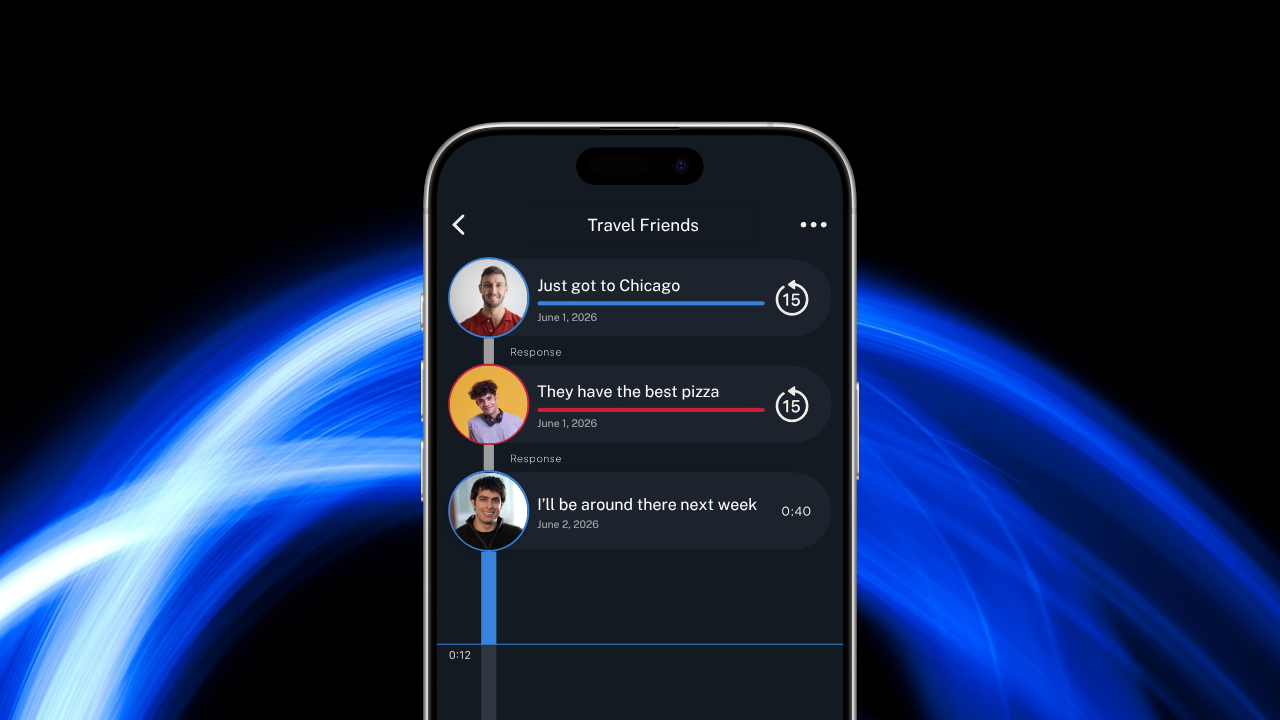
For most people, dark mode is a preference. Something to switch on at night or because it looks sleek. But for millions of users with low vision, light sensitivity, or chronic eye conditions, dark mode is a necessity that determines whether an app is usable at all.
More Than Aesthetics
Dark mode first gained popularity as a battery saver for OLED screens and a way to reduce eye strain in low-light environments. It quickly became a design trend. Every major app now offers it, and many users toggle it on without thinking much about why.
But there's a subset of users for whom the choice isn't about aesthetics or battery life. It's about being able to see what's on the screen.
People with photophobia (light sensitivity) can experience physical discomfort or pain when looking at bright white screens. Those with certain types of low vision find that high-contrast dark interfaces are significantly easier to read than light ones. Users with migraines, chronic headaches, or conditions like lupus that cause light sensitivity may only be able to use apps comfortably when dark mode is available.
When an app doesn't support dark mode, these users aren't just missing a nice feature. They're often unable to use the app at all, or using it comes at the cost of physical discomfort.
Who Needs Dark Mode for Accessibility
The range of people who rely on dark mode is broader than most developers realize:
- Low vision users who find bright backgrounds overwhelming or difficult to focus on
- People with photophobia caused by migraines, concussions, or neurological conditions
- Users with autoimmune conditions like lupus that cause light sensitivity
- Those recovering from eye surgery or dealing with temporary light sensitivity
- People with certain forms of color blindness who find dark interfaces easier to parse
- Anyone experiencing chronic eye strain from screen-heavy work or daily routines
For these users, the question "does this app have dark mode?" isn't about preference. It's one of the first things they check before deciding whether to use an app.
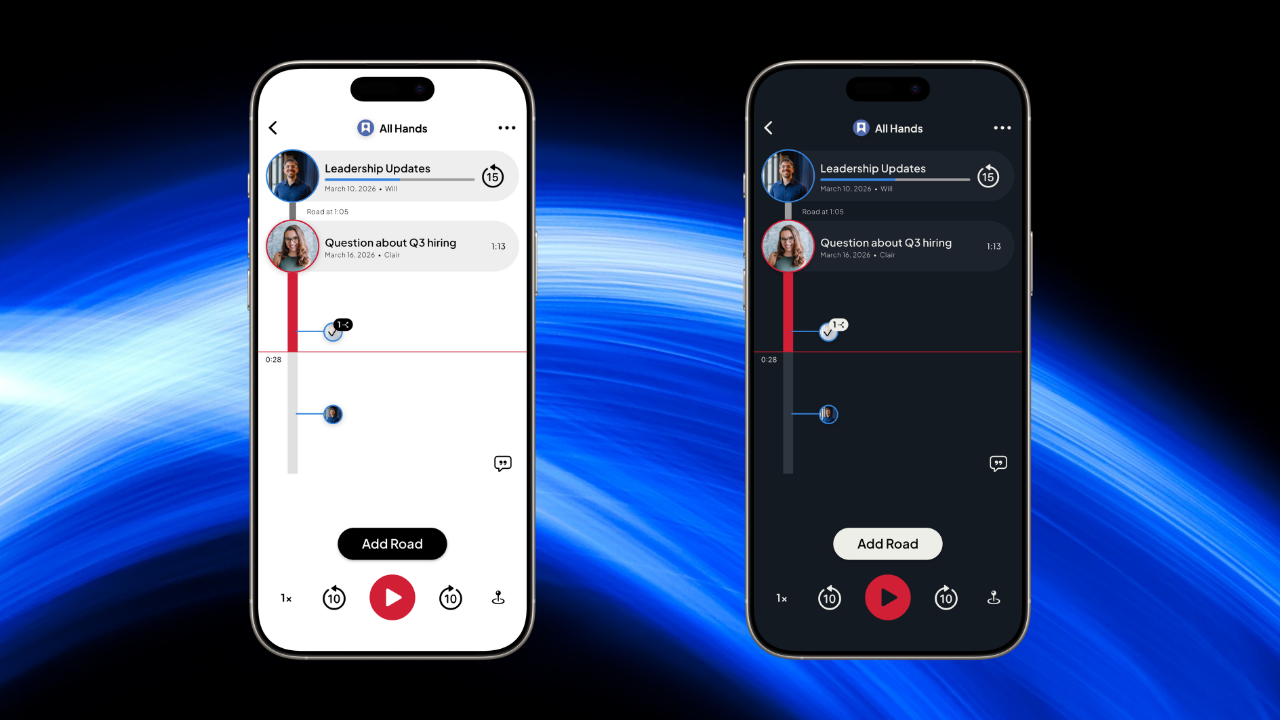
What Good Dark Mode Support Looks Like
Not all dark modes are created equal. A poorly implemented dark mode can actually be harder to use than a light interface.
True black vs. dark gray. Some users prefer true black backgrounds (#000000) for maximum contrast, while others find dark gray easier on the eyes. The best implementations consider readability, not just how dark they can go.
Sufficient contrast for text. Dark mode fails when text blends into the background. Light gray text on dark gray backgrounds can be nearly impossible to read for users with low vision. Good dark modes maintain strong contrast ratios.
Respecting system settings. Users who need dark mode typically set it at the operating system level. Apps that automatically follow the system setting save users from having to dig through menus every time they open something new.
Consistent implementation. Dark mode should apply everywhere in the app. Screens that suddenly flash bright white break the experience and can cause real discomfort for sensitive users.
Dark Mode and Voice-First Apps
Voice-based apps have a natural advantage for users with vision-related accessibility needs. When the primary interaction is listening and speaking rather than reading and typing, screen brightness matters less.
That said, users still need to navigate the interface to find conversations, start recordings, and manage settings. A voice-first app with poor visual accessibility forces users to strain through the parts they do need to see.
The combination of voice-first communication and proper dark mode support creates an experience where users with low vision or light sensitivity can participate fully. They spend most of their time listening and talking, and when they do look at the screen, it's comfortable.
For more on how voice-first apps serve users with visual accessibility needs, see our posts on low vision apps and VoiceOver compatibility.
Roads Audio Dark Mode
Roads Audio now supports dark mode across the entire app. The setting follows your device's system preference automatically, so there's nothing to configure. If your phone is set to dark mode, Roads will be too.
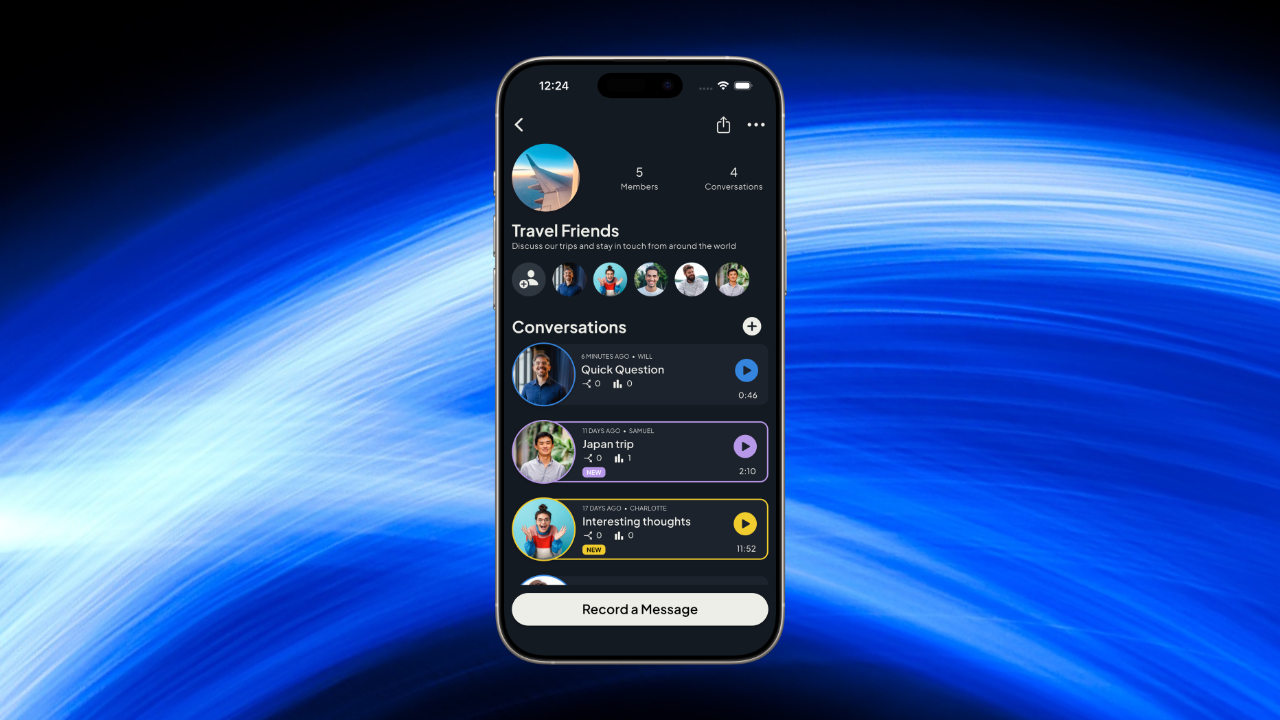
This update came directly from user feedback. Members of the low vision community who discovered Roads for its voice-first design asked for dark mode support because the bright interface was difficult to use. For some, it was causing enough discomfort that they couldn't use the app for extended periods.
Dark mode addresses this. Combined with Roads' existing support for TalkBack on Android and VoiceOver on iOS, the app is now more accessible to users across the vision accessibility spectrum.
Building Apps That Work for Everyone
Accessibility isn't a single feature. It's a collection of considerations that together determine whether an app works for people with different needs.
Dark mode is one piece of that puzzle. For users who need it, its presence or absence can be the deciding factor in whether an app becomes part of their daily life or gets deleted after the first painful minute of use.
The good news is that dark mode support has become standard in most operating systems and development frameworks. The tools exist. It's a matter of prioritizing the work and testing with users who actually need the feature.
For anyone evaluating apps with accessibility in mind, dark mode support is worth checking. And for developers building apps, it's worth remembering that this "nice to have" feature is, for some users, the difference between inclusion and exclusion.
Try Roads Audio Free Today
Roads Audio supports dark mode automatically and is built for voice-first communication. Download it and experience an app designed with accessibility in mind.